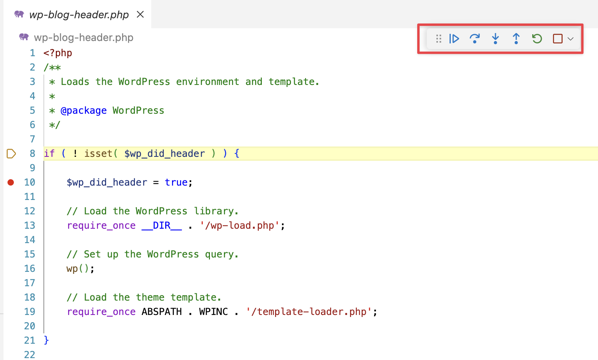
These are the general instructions to install and use Xdebug with Local on a Mac. Version 8.2.0+6554 of Local was used.
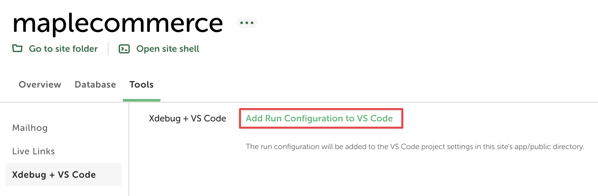
Add Run Configuration to VS Code:
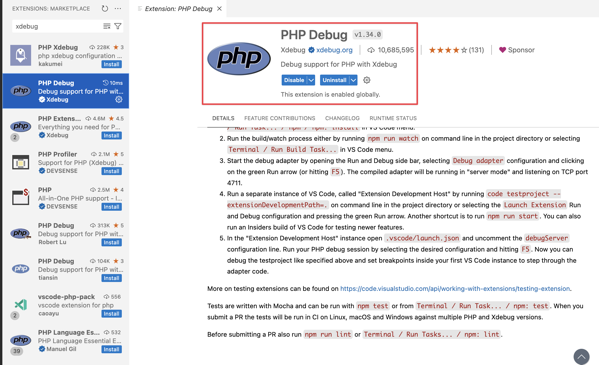
Install PHP Debug plugin in VS Code:
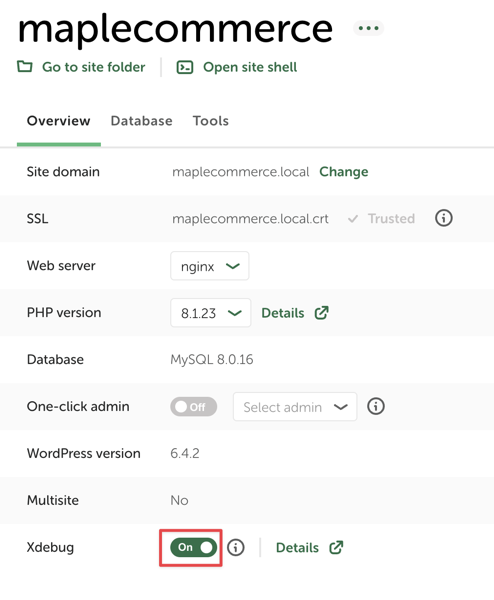
Toggle Xdebug on:
Install Xdebug Helper Chrome plugin:
https://chromewebstore.google.com/detail/xdebug-helper/eadndfjplgieldjbigjakmdgkmoaaaoc
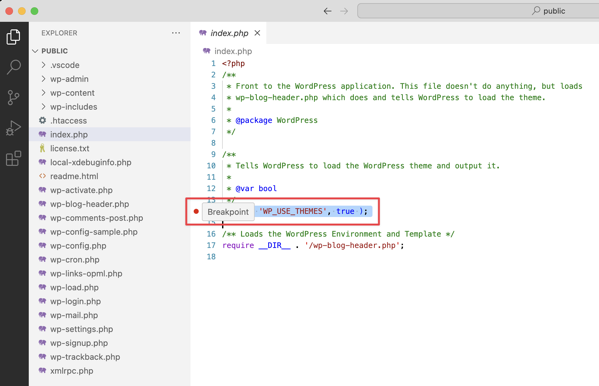
Set a breakpoint in the WP code:
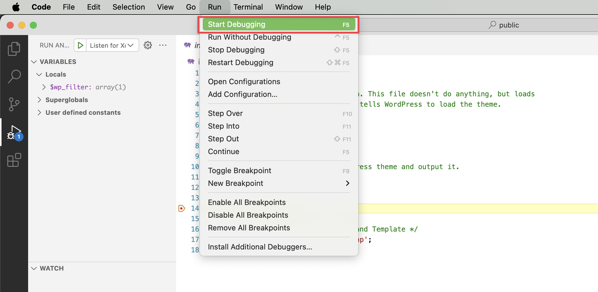
Start Debugging in VS Code:
Refresh the website in browser, and the debug session should trigger:
Switch back to VS Code, and you can step into the code: